
Getting paid
Certificates
Payout, funded, phase and lifetime certificates. What earns each one, where to find them in your dashboard, and how to download, share and verify them.
Your dashboard issues a certificate automatically for each milestone. There is nothing to apply for. Every certificate carries a QR code that opens a public page, so anyone you share it with can check it is real.
Example screenshots
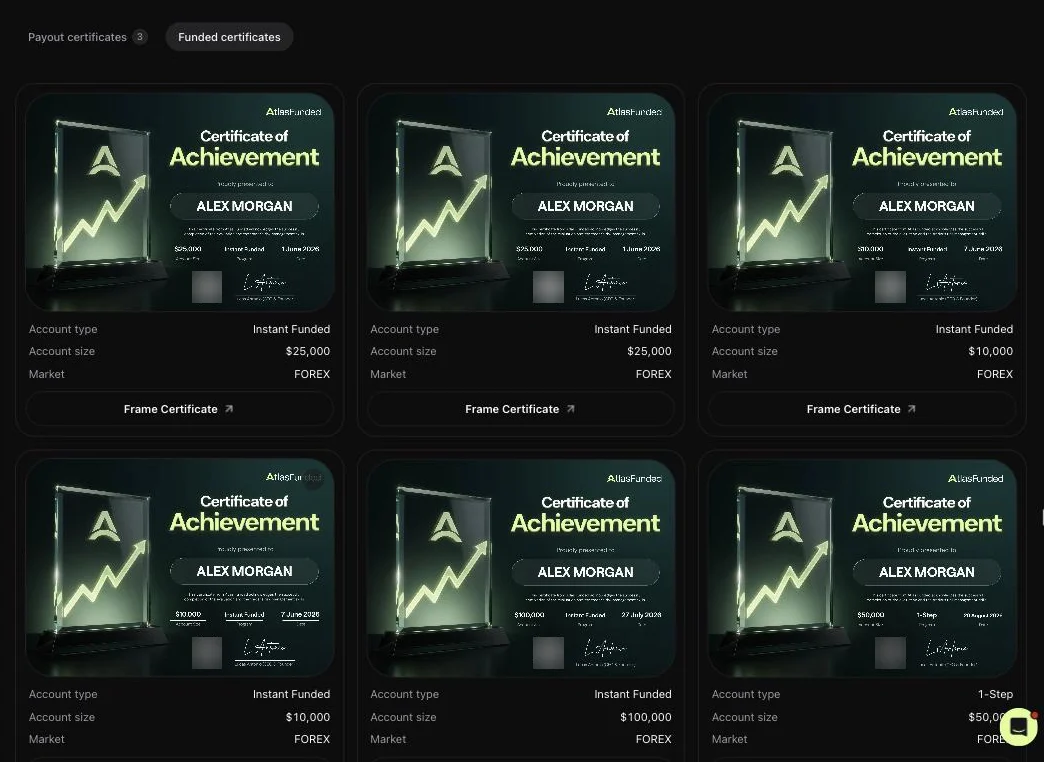
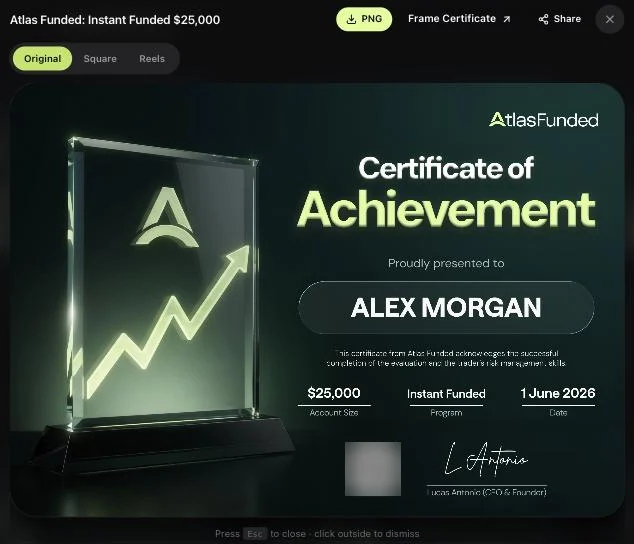
The certificates on this page come from a test account. The name has been changed and the QR codes are blurred.
The four certificates
| Certificate | You get it when | It shows |
|---|---|---|
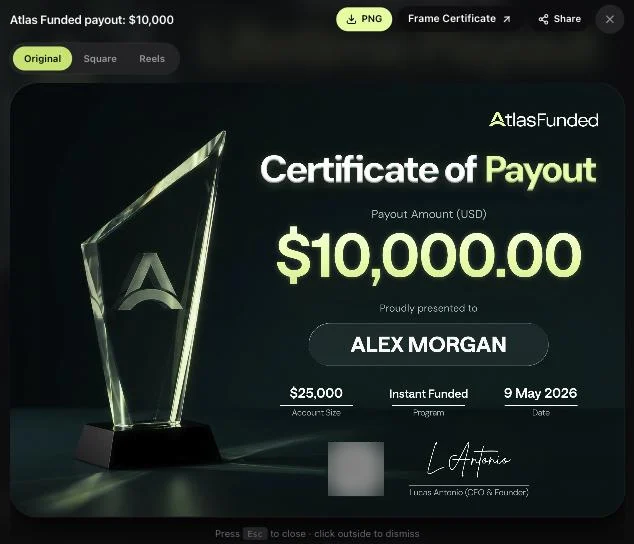
| Payout | A payout is Paid. One per payout. | Amount paid, your name, account size, program, date |
| Funded (Certificate of Achievement) | An account becomes funded, including Instant accounts | Your name, account size, program, date. No amount. |
| Phase | You pass a phase of a multi-phase evaluation, before the final one | Your name, account size, program, which phase, date |
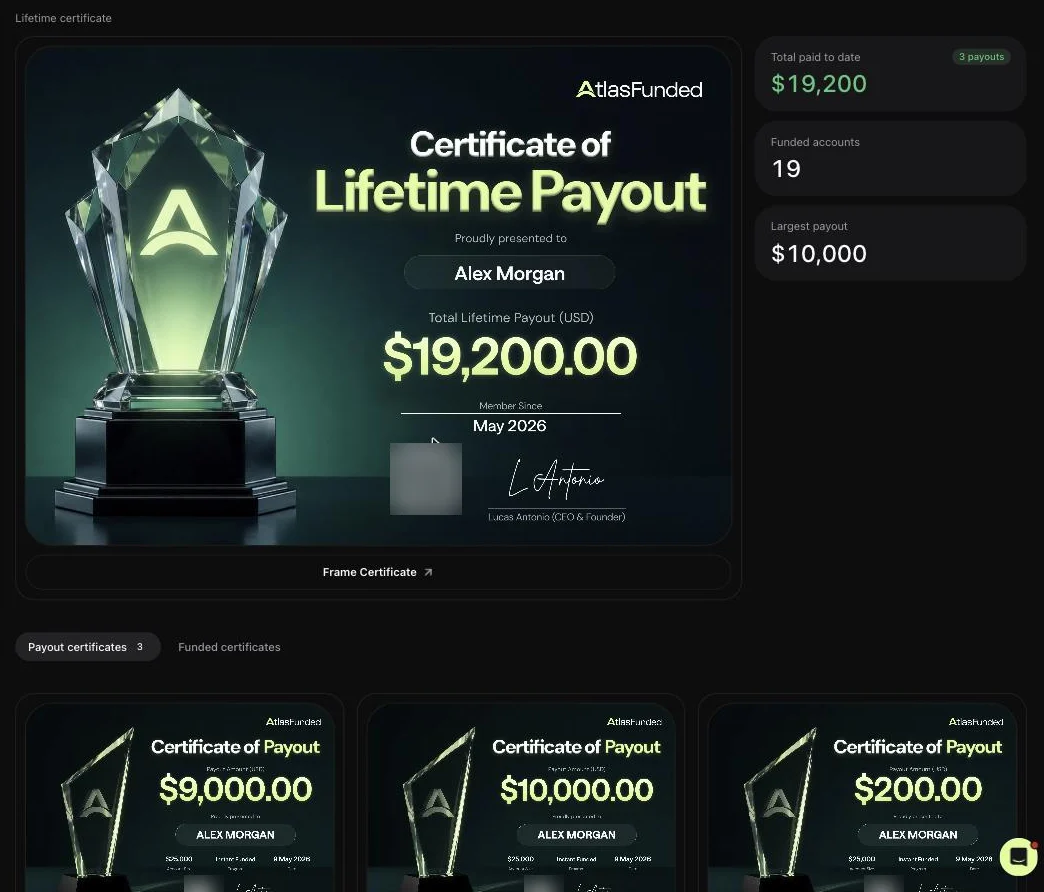
| Lifetime payout | You have 2 or more paid payouts | Your total paid to date and your "Member since" date |
The amount on a payout certificate is what you were paid: your share, after any deductions. A payout that is only requested or approved has no certificate yet.
Where to find them
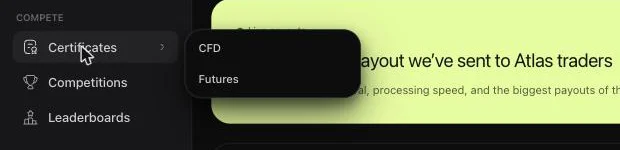
Open Certificates in the Compete group of the sidebar. It has two views, CFD and Futures, one per market.
The top of the page is your Lifetime certificate, with Total paid to date, Funded accounts and Largest payout beside it. Below it, tabs list your Payout certificates, Funded certificates and, once you have one, Phase certificates.
Payout certificates
Every paid payout gets its own certificate. You can open it from two places:
From Certificates
Go to Certificates → Payout certificates and click the certificate.
From Payouts
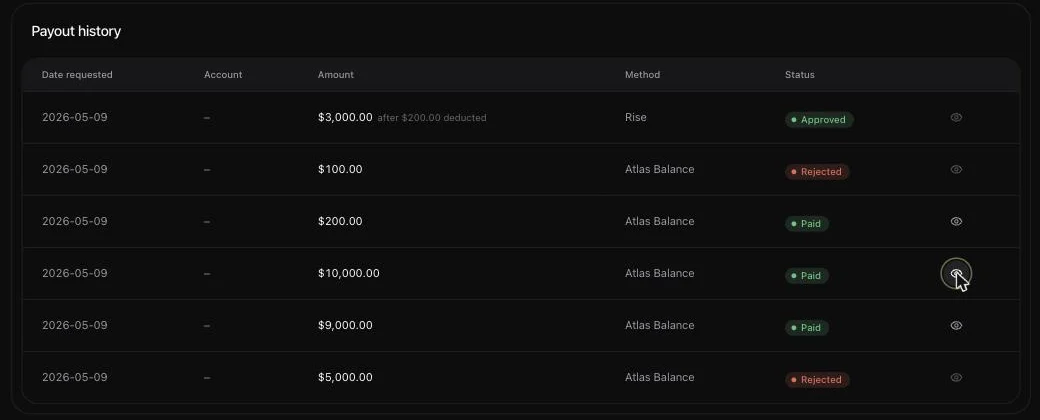
On the Payouts page, press the eye button at the end of a payout's row. It is greyed out until the payout is Paid.
Funded certificates
Each funded account gets a Certificate of Achievement. Find it under Certificates → Funded certificates. You can also get to it from:
- the account menu on Statistics → Certificate;
- View certificate in the pop-up when a new funded account arrives.
Download, frame and share
Click any certificate to open it. Then:
| Control | What it does |
|---|---|
| Original / Square / Reels | Changes the layout: the landscape original, a square post, or a tall story or reel. Phase certificates come in landscape only. |
| PNG | Downloads the certificate in the layout you picked. |
| Frame Certificate | Opens our framing partner to order a printed, framed copy. |
| Share | Opens your device's share menu, or copies a link. |
Verify a certificate
The QR code on every certificate opens its public verification page. No login is needed. The page shows the verification record: name, account size, program, date and, for payouts, the amount. It also has buttons to share on X, Instagram and Discord or copy the link.
Posting a payout?
Post the PNG with the QR code visible. Anyone who scans it lands on the verification page, which is the proof.
CFD/Forex and futures
Both markets earn the same certificates, shown in separate views. CFD certificates have the dark design shown above. Futures certificates use a light design. The lifetime certificate in each view totals that market's payouts.
Related
Last reviewed 27 September 2026. Rules shown are read from the Atlas risk engine.